How it works
Four tabs and a round plus
Orders, Order, People (or Packs for a shop) and Curve sit in a floating bar; the round plus starts a new order.
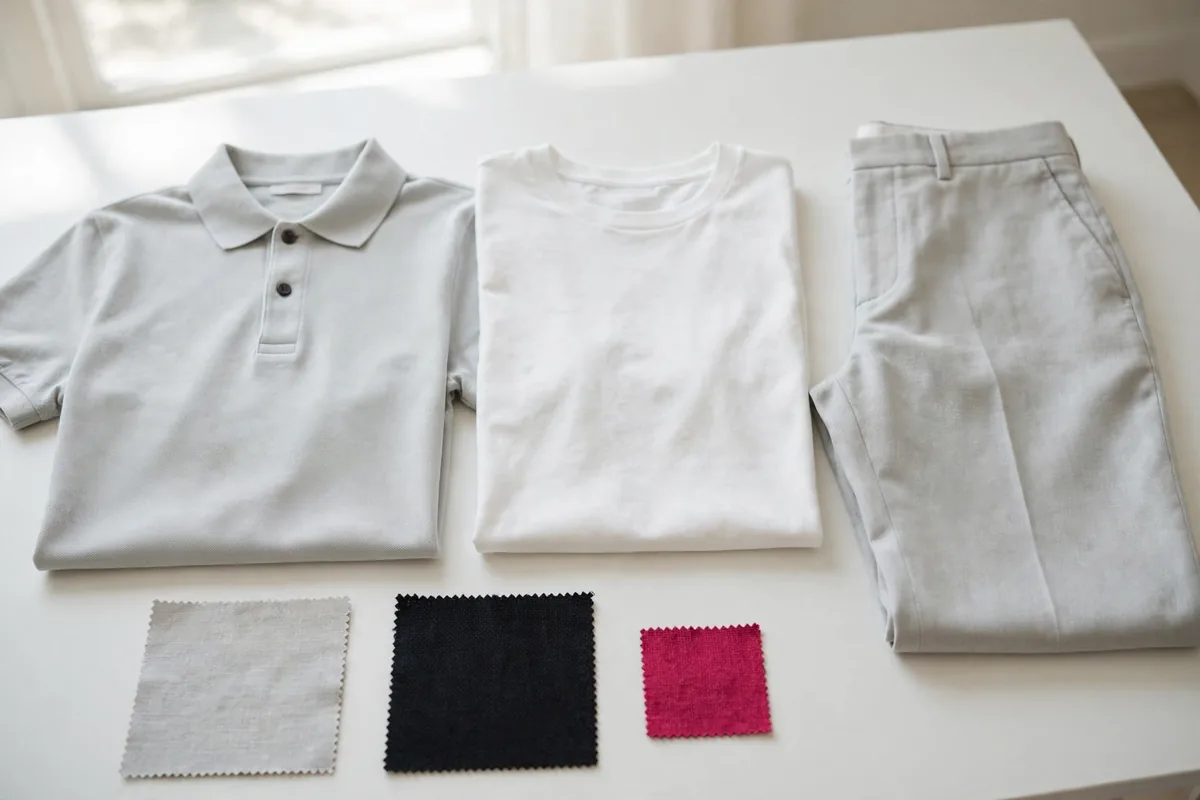
Add the garments
Choose each garment of the order (T-shirt, Polo shirt, Long-sleeve shirt, Sweatshirt, Jacket…), its fit line (women's, men's, unisex or children's), the colours and how many each person gets.
Add the people
Add people by alias or code, or paste a list such as "Ana M". Each person gets a size, as an outlined circle to tap, and a colour for each garment. "Measure" suggests a size from chest, waist, hip or height and says which measurement decided it.
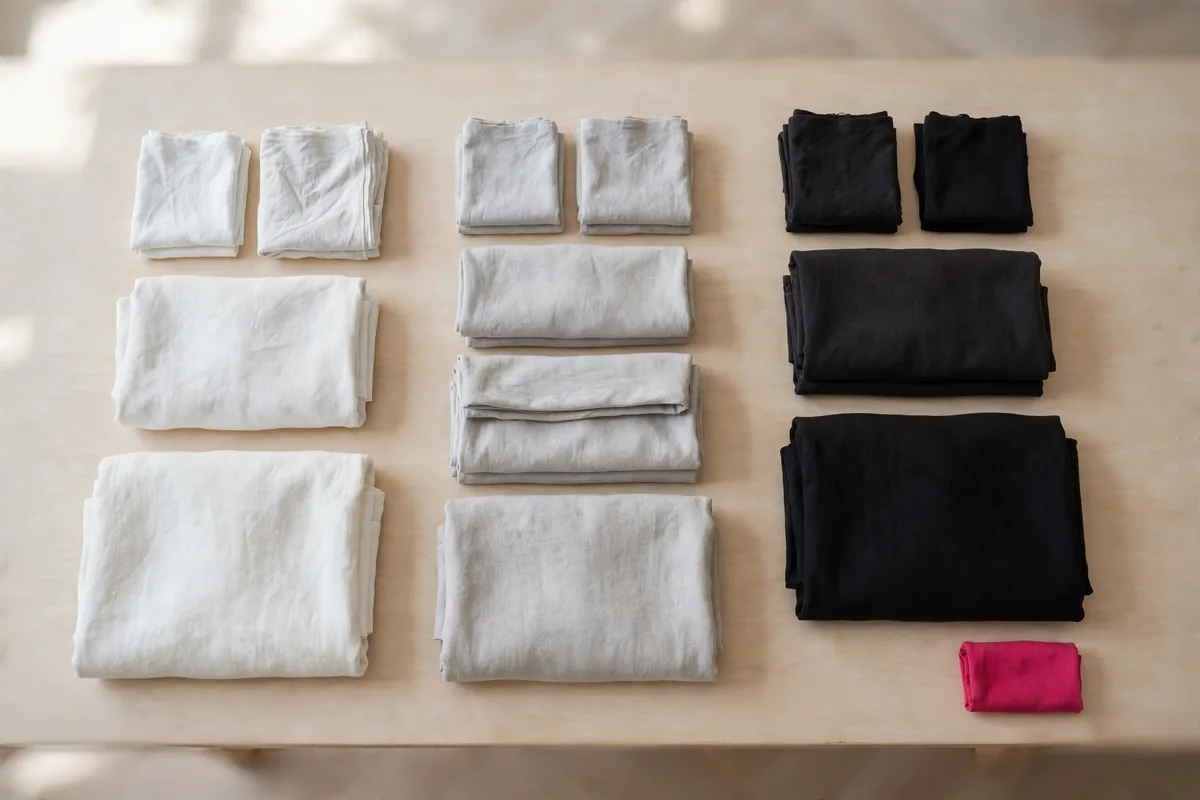
See the curve
The app adds everything up: one table per garment with sizes across and colours down, totals, and what to check, such as a colour with fewer than 12 units or a size made to measure.
Send the sheet
The order sheet holds the garments and the counts; names only if you switch them on, and never measurements. Send it by email to confetexantioquia@gmail.com, through another app, or call +57 312 821 7936.
Ask Confetex Antioquia
Send one sheet, not twenty messages
Call or write to Confetex Antioquia to ask which garments, fabrics and quantities it can make. The order sheet is a quote request; the app shows no prices.